Virtual Try-On
Virtual Try-On App That Actually Looks Like You
Most virtual try-on shows you a generic model. My Styles shows you — your body, your proportions, your fit.
The Garment
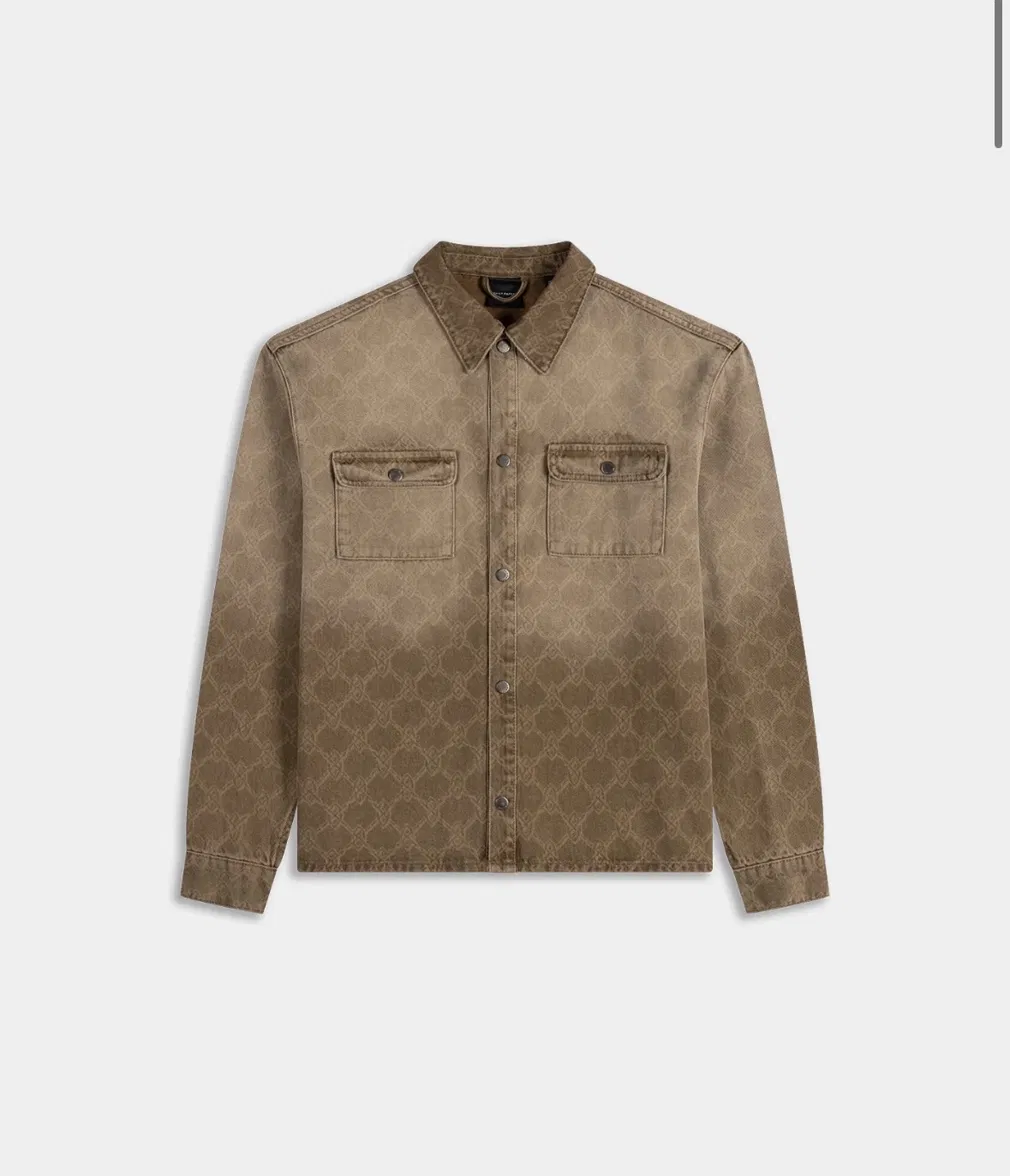
On Your Avatar
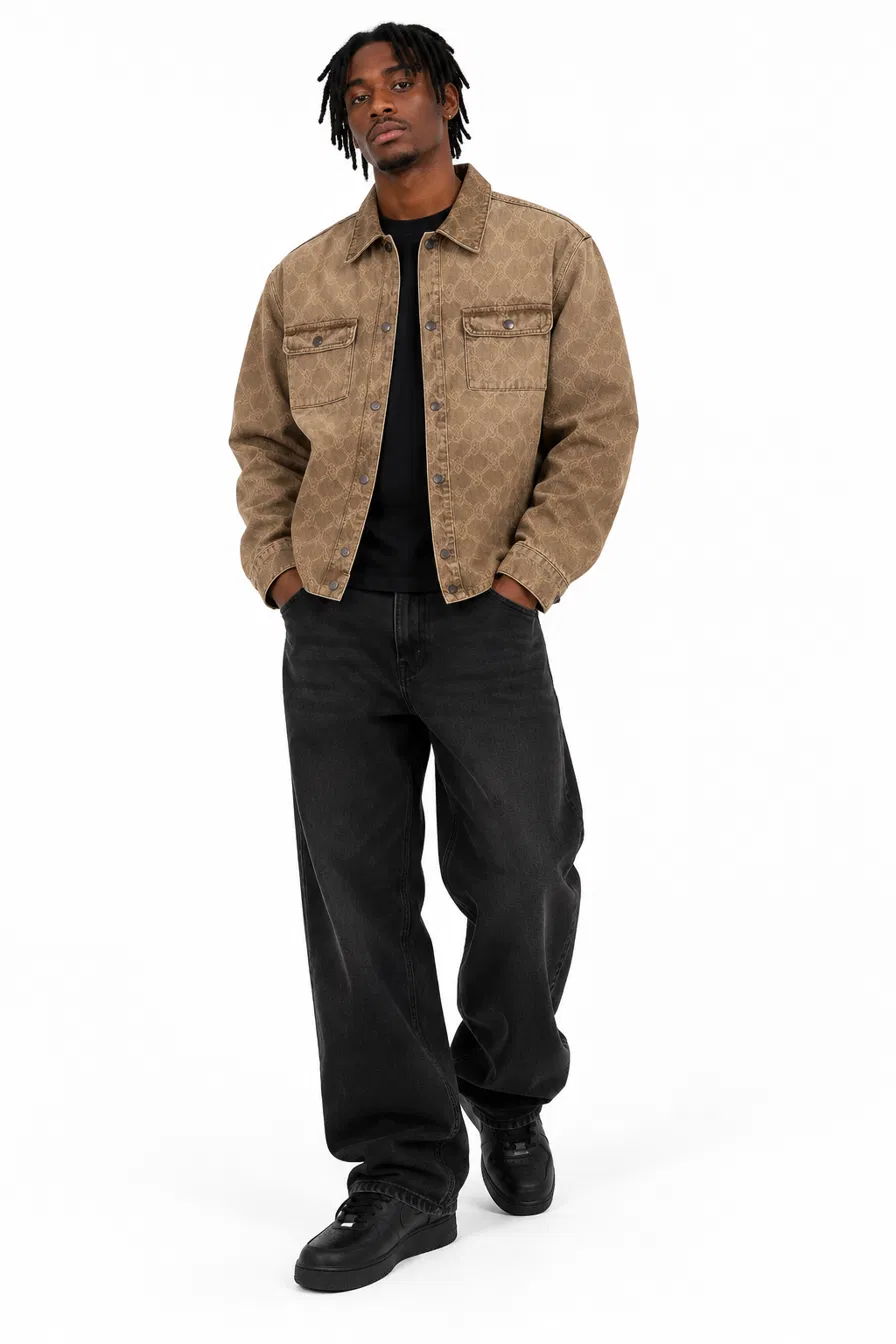
Virtual Try-On
Most virtual try-on shows you a generic model. My Styles shows you — your body, your proportions, your fit.
How It Works
Upload a couple of photos. My Styles creates a body-accurate avatar that reflects your actual shape and proportions, not a standard sample size.
Browse streetwear from your Digital Wardrobe or the personalised product feed, or upload something you've spotted elsewhere.
The AI try-on engine renders the outfit on your avatar in seconds, so you know how it drapes and fits before you spend anything.
Like what you see? Go straight to the product to buy. Not sure? Try the next one. No guesswork, no returns roulette.
The Gap
Most "virtual try-on" tools out there put your outfit choice on a stock model with a stock body. That tells you how the outfit looks — not how it'll look on you.
Fit, drape, and proportion change completely depending on body shape. A boxy fit that looks great on a size 8 mannequin can hang completely differently on someone built differently. My Styles was built around this exact gap: an avatar generation engine that's actually shaped like the person using it, so the try-on result means something.
The Difference
01
Not a generic mannequin. Your avatar reflects your real proportions, so try-on results are something you can actually trust.
02
Save the pieces you've tried on, mix and match them, and build outfits without ever opening your actual wardrobe.
03
The more you try on, the better My Styles gets at surfacing streetwear that actually fits your style and shape — not just what's trending.
Head to Head
Curious about the difference between outfit generators and virtual try-on tools more broadly? Read our full breakdown →
Common Questions
A virtual try-on app uses AI to show you how clothing will look on your body before you buy it, without needing to physically try anything on. My Styles builds this around a body-accurate avatar rather than a generic model.
Yes, My Styles offers free try-ons to get started, with additional try-ons available through the app's subscription options.
My Styles uses AI avatar technology matched to your actual proportions, so try-on results reflect real fit and drape rather than a standard sample size.
My Styles is focused on streetwear and everyday fashion, covering the outfit types most people are shopping for day to day.
No. A couple of standard photos are enough for My Styles to generate your avatar.
Yes. A virtual try-on app shows you how a specific item looks on you. An outfit generator helps you build and plan full looks. My Styles does both. See our outfit generator page →
Try Before You Buy
Download My Styles and try before you buy. Free to start on iOS and Android.
Download Now →